Version Control
Collaborative Development Workflow
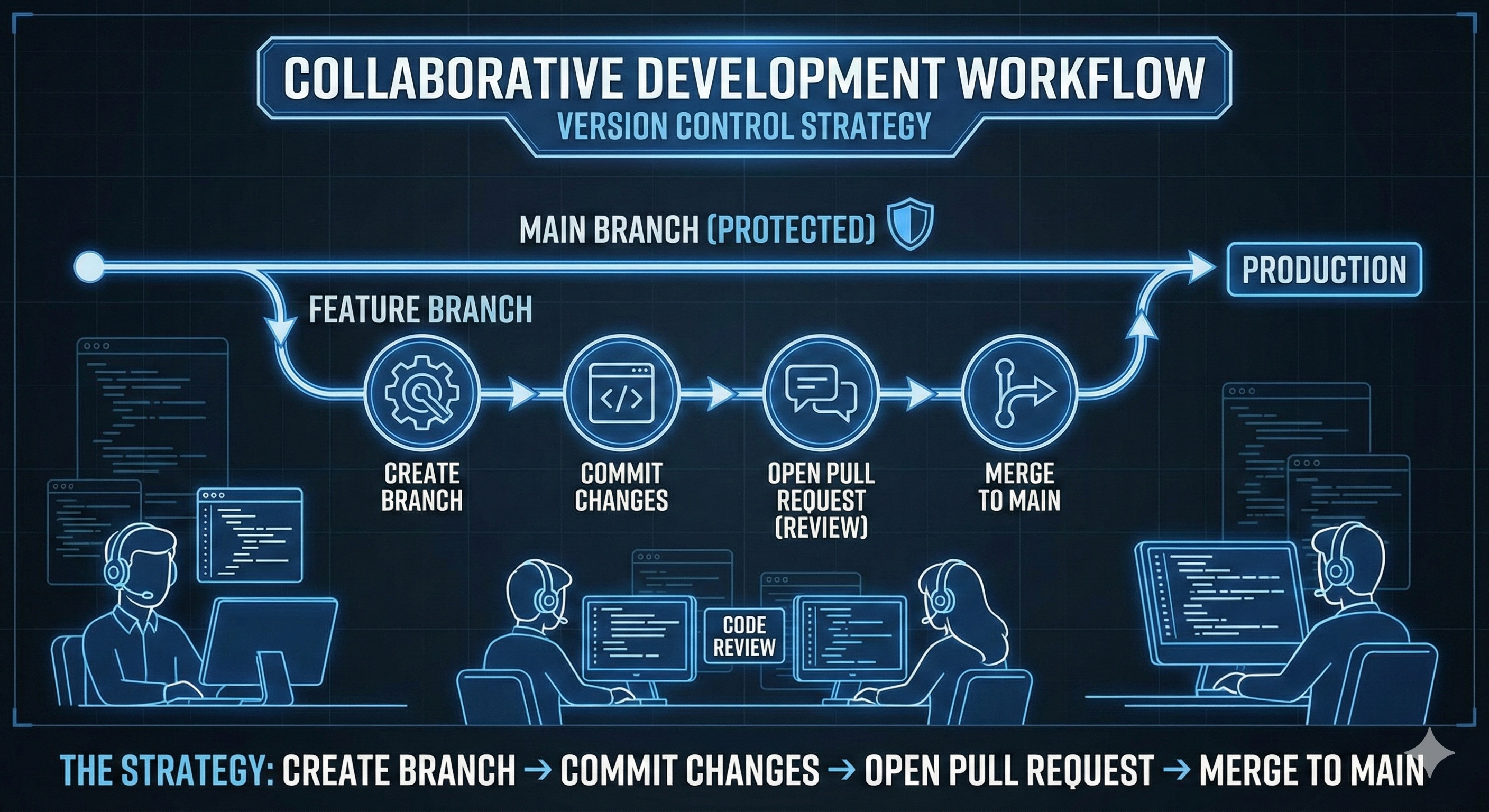
Version control is the backbone of modern software engineering. My strategy focuses on protecting the main branch using a "Feature Branch" workflow, ensuring that code is reviewed via Pull Requests before it ever touches production.
🚀 The Strategy: Create Branch → Commit Changes → Open Pull Request → Merge to Main.
Step 1: Branching & Management
Never work directly on the main branch. Here is the exact command-line workflow I use to manage features safely.
1. Clone & Create Branch
Download the repo and immediately isolate your work.
git clone https://github.com/username/project-name.git
cd project-name
git checkout -b feature/login-page
✅ -b creates a new branch named "feature/login-page" and switches to it.
2. Stage & Commit
Save changes locally with clear messages.
git status
git add .
git commit -m "Added login form validation logic"
3. Push & Pull Request
Upload the branch to GitHub for review.
git push origin feature/login-page
What happens next?
I go to GitHub, open a Pull Request (PR), and assign a reviewer. Once approved, we squash and merge into main.
🛠️ Troubleshooting & Recovery
Real-world scenarios require knowing how to fix mistakes.
Undo Last Commit (Soft)
Keeps your changes but un-commits them.
git reset --soft HEAD~1
Discard Local Changes
Dangerous: Resets file to last commit.
git checkout -- filename.js
Sync with Remote
Update your local main branch before merging.
git checkout main
git pull origin main
View History
See a clean log of commits.
git log --oneline --graph --all
Summary: The Golden Rules
Branch Early
Never commit directly to main. Always create a feature branch.
Commit Often
Small, atomic commits are easier to debug than massive ones.
Pull Requests
Code review is where learning and quality assurance happen.